AI agents for business are becoming a practical way to connect customer conversations, company data and repeatable work. Instead of stopping at a generated answer, an agent can interpret a request, use approved tools and move a task through several steps. That makes AI business automation useful for support, sales and operations when the workflow needs language understanding as well as reliable software rules.
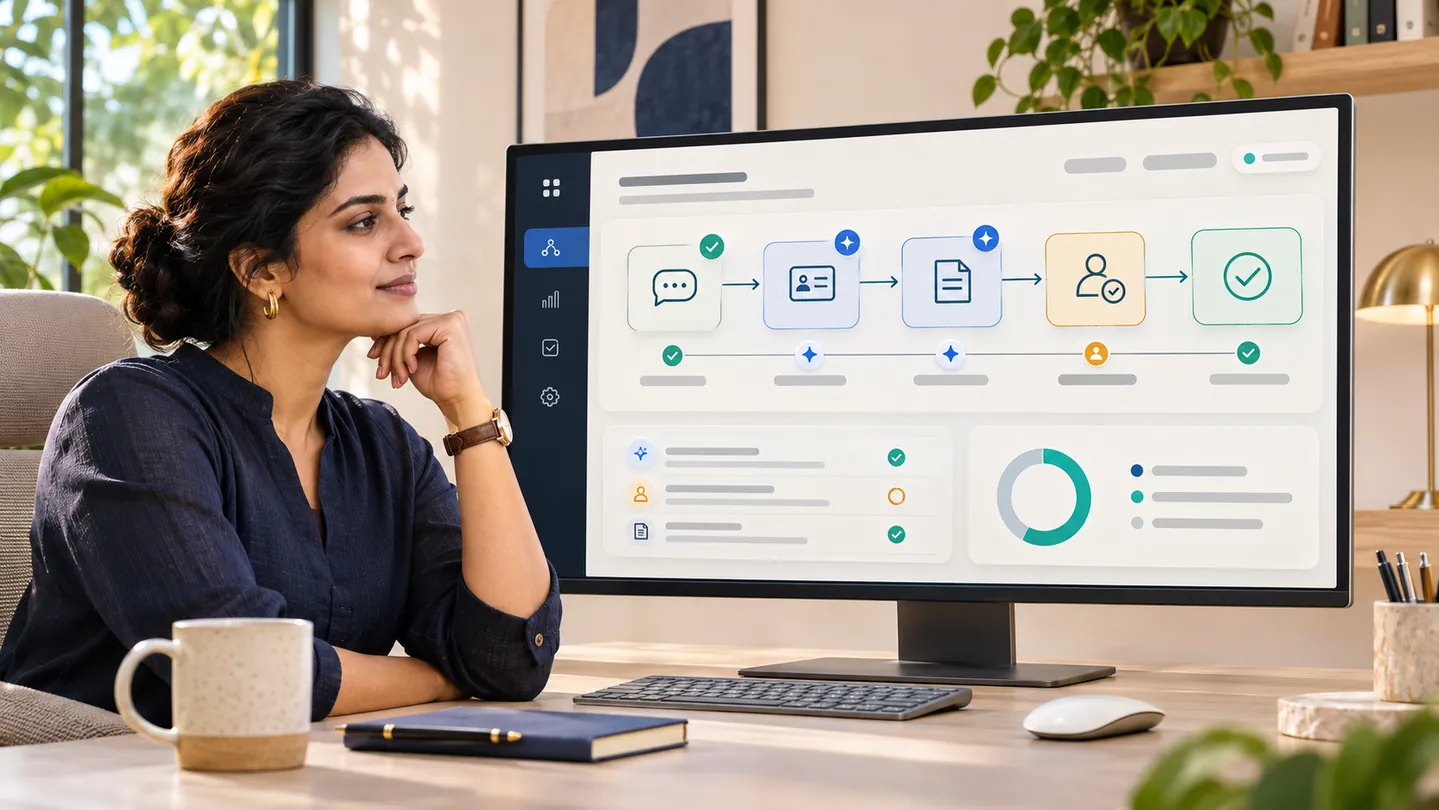
An agent is not the right answer for every process. The useful question is where it can take routine work forward, where a person should review the result, and how the business will know the workflow is working.
What are AI agents and how do they work?
An AI agent is software that uses an AI model to pursue a defined goal through a bounded set of steps. It receives a request or event, interprets the available context, chooses an allowed tool when needed, checks the result and continues or asks for help. Tools might include a CRM lookup, order-status API, document search or task-creation endpoint.
The model does not automatically gain access to every company system. The application decides what information the agent can see and which actions it can request. A production workflow should define the agent's instructions, tool permissions, data access, approval points, error handling and records of what happened. OpenAI's agent guide describes agents in terms of models, tools, instructions, orchestration and guardrails.
For example, a support agent might classify a delivery question, look up an order, draft a response from current policy and send the case to a person when the order data is missing. The system around the model should verify the order lookup and apply the business rules before any consequential action is taken.
AI agents vs traditional automation
Traditional automation works well when the input and steps are predictable. An invoice arriving in a known format can trigger a sequence of checks. An AI agent can help when the request arrives as a paragraph, a chat message or a document that needs interpretation before the next step is clear.
| Workflow need | Traditional automation | AI agent | A sensible design |
|---|---|---|---|
| Fixed rules and structured fields | Fast, repeatable and easy to audit | Usually unnecessary | Use rules and existing application logic |
| Different wording for the same request | Needs a rule for each known pattern | Can interpret varied language | Use AI to classify, then validate the result |
| Several connected actions | Runs a configured sequence | Can select among approved tools | Let software enforce permissions and limits |
| Unclear or high-impact cases | Can stop on a defined exception | May suggest a next step | Route to a person for review |
Many useful AI automation solutions combine the two approaches. A model can read a request or extract fields; ordinary code can validate those fields, apply pricing or policy rules, update a record and keep an audit trail. This keeps the flexible part focused on interpretation and the deterministic part responsible for business decisions.
7 ways businesses can use AI agents
Each use case should start with a clear task, the systems it can access and the point where it needs to stop or ask for review.
1. Customer support automation
An agent can identify the topic of a support message, search approved product or policy information, gather relevant account details and draft a response. It can also create a ticket with the conversation summary and the information already checked.
Keep refunds, account changes, complaints and questions with incomplete records inside a review queue until the business has tested the workflow and approved the relevant actions. Track whether the answer was correct, whether the handoff included useful context and how often the agent needed a person.
2. WhatsApp automation
For a business that already handles customer requests on WhatsApp, an agent can classify incoming enquiries, answer routine questions from approved content, check an order or appointment through an integration, and prepare a follow-up for a team member. The WhatsApp Business Platform provides APIs for sending and receiving messages, along with webhooks and message templates.
The workflow needs to respect the account's setup and Meta's current messaging rules. Test template handling, delivery failures, opt-out requests and handoff to a person. Avoid letting an agent invent a price, availability or policy answer when the connected source cannot confirm it.
3. Lead generation and qualification
An agent can read an enquiry, identify the product or service requested, collect missing details and route it to the right team or CRM pipeline. It can prepare a concise lead brief from the conversation so the sales team does not have to reread every message to understand the request.
Set clear qualification criteria and let sales staff correct the result. Use the agent to organize information; do not treat an inferred budget, urgency or buying intent as a confirmed fact.
4. Sales follow-ups
After a meeting or product enquiry, an agent can summarize notes, identify agreed actions and draft a follow-up using an approved template. A CRM integration can create a reminder or attach the summary to the right record.
Keep the person responsible for the account in the loop before sending messages that contain negotiated terms, commitments or sensitive details. A good first release can prepare drafts and reminders without sending them automatically.
5. CRM automation
AI agents in business can reduce repetitive CRM administration by extracting contact details from an email, suggesting a category, summarizing a call or identifying missing fields. The CRM should remain the system that validates and stores the final record.
Use field-level rules for required values, duplicate checks and access control. Keep the original message or document available to authorized staff so they can verify what the agent extracted.
6. Document processing
An agent can classify incoming documents, extract selected fields and compare them with a purchase order, customer record or internal checklist. It can then prepare a record, flag a mismatch or route an exception to the right employee.
For invoices, contracts, identity documents or financial records, define confidence thresholds and review rules before processing live data. Preserve the source document and record which values were extracted, changed or approved.
7. Business workflow automation
Some workflows cross several teams and systems: a customer request may need a policy check, inventory lookup, manager approval and an update to the billing or operations system. An agent can coordinate the information gathering and prepare the next action while the underlying software enforces permissions and state changes.
Use an explicit workflow state, such as received, needs information, awaiting approval and completed. That makes it possible to resume work, see why it stopped and avoid repeating actions after a timeout or integration failure.
Real-world business applications
These are illustrative workflow patterns, not claims about a particular Cloudemy client deployment.
- E-commerce: classify a delivery or return question, look up the order, retrieve the current return rule and prepare a response. Route missing tracking data or policy exceptions to support.
- Restaurants and hospitality: answer routine menu or booking questions, collect reservation details and check availability through the business system. Confirm the booking only after the system returns a valid slot.
- Service businesses: read a new enquiry, identify the requested service, ask for required details and create a CRM lead. A salesperson reviews the summary and chooses the next step.
- Finance and operations: extract fields from a submitted invoice, compare them with an approved purchase order and queue a mismatch for review. Keep payment approval in the existing controlled process.
In each case, the AI contributes interpretation or summarization. The connected software holds the records, applies rules and confirms whether an action actually succeeded.
How much does AI automation cost in India?
AI automation cost in India depends on the workflow being built, not just on whether it uses an AI model. A small assistant that answers from a limited set of approved content has a different scope from an agent that updates a CRM, reads documents, sends WhatsApp messages and handles exceptions across multiple departments.
An estimate should account for:
- Workflow scope: number of tasks, steps, user roles and exception paths.
- Integrations: APIs, CRM, billing, inventory, messaging, identity and other systems.
- Data readiness: source quality, access, document formats and knowledge maintenance.
- Usage: expected conversations, documents, model calls, storage and hosting.
- Controls: permissions, approval screens, audit logs, escalation and recovery.
- Quality work: test examples, evaluation, security review, monitoring and ongoing changes.
Ask for the one-time implementation scope and recurring model, messaging, hosting and support costs to be shown separately. A useful first estimate defines the workflow, expected volume, connected systems and what the agent is allowed to do. For a system that writes to business records or communicates with customers, include the review and monitoring work in the project scope.
How to implement AI agents in your business
1. Choose a repeated task with a visible owner
Start with one workflow people perform regularly, such as sorting enquiries, preparing CRM notes or checking documents. Record the current steps, volume, time spent, common errors and who handles exceptions. This gives the team a baseline for judging whether automation helps.
2. Define the result and boundaries
Write down what a completed task looks like, the information the agent may use, the actions it may request and the conditions that require a person. Make the first scope narrow enough to test with real examples.
3. Map the systems and data
Identify the source of truth for customer, order, inventory or policy information. Confirm which APIs are available, who owns access and how the system will handle stale or missing data. Do not build a workflow around an integration that cannot reliably confirm its results.
4. Decide which steps need AI
Use ordinary software rules for fixed calculations, permissions, status changes and repeatable checks. Use an AI model for varied language, classification, summarization or document interpretation. This keeps AI business automation easier to explain and test.
5. Add permissions and approval points
Give the workflow only the access required for its task. Start with read access or draft creation when possible. Require approval for payments, refunds, customer commitments, account changes and other consequential actions. NIST's Generative AI Risk Management Profile is a useful reference for planning evaluation, monitoring and human oversight.
6. Test normal cases and failures
Test clear requests, ambiguous requests, missing data, conflicting records, unavailable APIs, duplicate events and rejected actions. Check that the agent uses only approved sources, that the software validates inputs, and that a person can see why a task was stopped or escalated.
7. Launch in a limited workflow and measure it
Begin with a small group or a low-risk task. Review task completion, correction rate, escalation quality, response time, usage cost and integration failures. Keep a manual fallback and revise the workflow as the team learns from real cases. NIST recommends ongoing review and defined human oversight for generative AI systems; the appropriate level depends on the use and risk.
The future of AI agents in 2027
For 2027 planning, the practical direction is toward agents that work inside defined business processes: they can interpret a request, gather information from connected systems, prepare an action and hand off when the task crosses a business rule or permission boundary. The value will come from fitting those steps into the systems employees already use, with enough visibility to review what happened.
Teams should expect to spend as much attention on workflow design, reliable data, access control and evaluation as on model selection. Better tool use does not remove the need for business rules. OpenAI's agent documentation describes tools, orchestration and guardrails as parts of an agent implementation; Meta's WhatsApp documentation shows how messaging depends on the surrounding API, webhooks and templates.
Treat 2027 as a chance to identify one worthwhile process and test it with clear limits. Expand only when the workflow performs well on the cases your team actually sees.
Plan an AI-enabled business workflow
Cloudemy builds custom software, web applications, mobile apps and connected backends. If you are considering customer support automation, WhatsApp automation or an AI-assisted CRM or operations workflow, start with the task, systems involved and actions that need human approval. Discuss a software project with Cloudemy or review our custom software development services and API and backend capabilities.